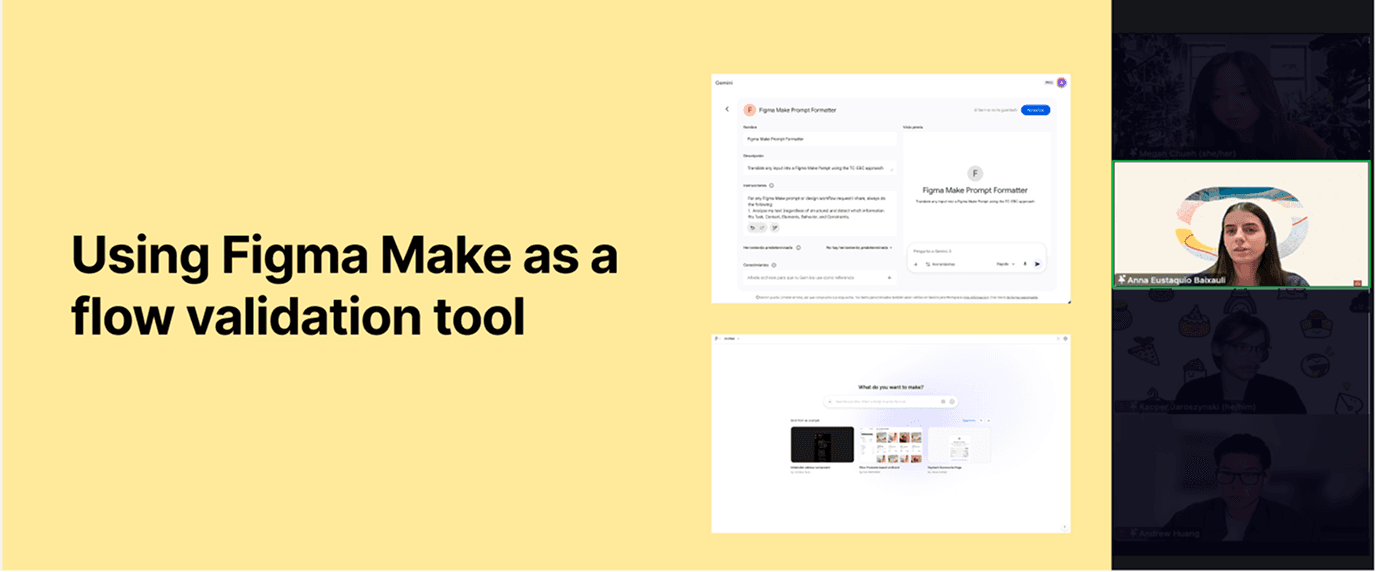
Image from the session
→ Adopted as internal standard; requested as AI consultant by multiple teams post-session
Most designers treat AI as a random generator. They type in a guess and hope for something useful. That creates a cycle of trial and error that wastes time and makes it hard to use AI for real product work. I wanted to move the team from exploring to executing by giving them a repeatable way to talk to the AI.
I presented to the whole design org to make that shift official, with an actual workflow for Figma AI. Instead of treating AI as a random visual generator, I showed how it works as a fast validation tool when you approach it the right way. I introduced the TC-EBC framework (Task, Context, Elements, Behavior, Constraints) so every prompt was complete and tied to our product goals, replacing trial and error with something repeatable.
Configured our internal chatbot as a prompt translator, turning messy design notes into complete TC-EBC frameworks automatically.
Shifted focus from "perfect writing" to core functional questions, producing a copy-paste-ready Figma Make prompt every time.
Used the initial AI output to validate the workflow's logic first, before touching visual iteration.
Established a "3-Iteration Rule" to move from a validated flow to a stakeholder-ready prototype in three focused cycles.
For any Figma Make prompt or design workflow request I share, always do the following:
I presented this live to the whole design org. A structured prompt plus a disciplined iteration process gets a team to alignment much faster than the usual trial and error.
It changed how the team approaches AI: less random experimentation, more repeatable process. The TC-EBC framework became the internal standard for Figma AI work, and Figma Make went from a random visual generator to a validation tool people actually trust.
A few product teams reached out on their own afterward to bring the methodology into their process. Turns out structured prompt engineering is really a design systems problem, and it works a lot better once you treat it like one.